---
title: Docnote for Accuro | Docnote
description: Docnote is integrated with Accuro. Complete your work in Accuro, and Docnote handles the payment, the delivery and the chart. Free to activate, no contract, no monthly fee.
image: https://www.docnote.com/hubfs/Website%20Photos/docnote-og-default.png
---
[Skip to content](https://www.docnote.com/accuro#main-content)
WebinarWebinar · Nov 25, 12:30 pm ET Get paid for Rx renewals without a visit. Wed, Nov 25 at 12:30 pm ET.Get paid for Rx renewals without a visit.
[Register nowRegister now](https://www.docnote.com/webinars/prescription-renewals?hsLang=en)
[Clinicians](https://www.docnote.com/?hsLang=en) [Patients](https://www.docnote.com/patients?hsLang=en)
[](https://www.docnote.com/?hsLang=en)
- Platform
- Resources
[Log In](https://platform.docnote.com/login) [Get a Demo](https://www.docnote.com/get-started?hsLang=en)
[ Docnote PlatformEverything uninsured, all in one place. Requests, payment and delivery, from your EMR.Explore](https://www.docnote.com/platform?hsLang=en)
EMRs
- [PS Suite](https://www.docnote.com/ps?hsLang=en)
- [Accuro](https://www.docnote.com/accuro?hsLang=en)
More EMRs coming soon
[Nov11–14 Up next · TorontoFamily Medicine Forum 2026 Event details(opens in a new tab)](https://fmf.cfpc.ca/) [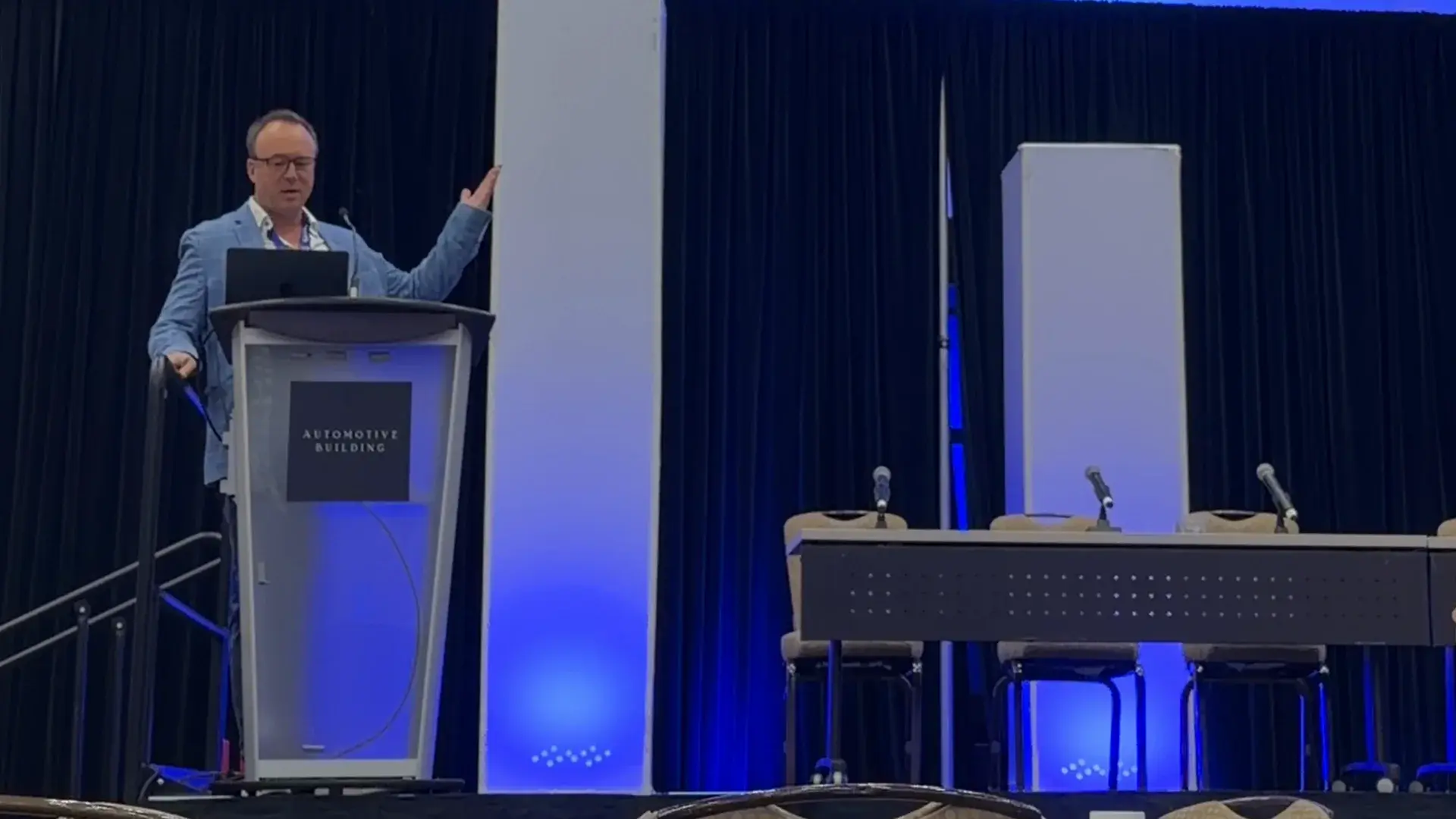 Events and webinarsWhere to find us next, and our latest keynote presentations.Explore](https://www.docnote.com/events?hsLang=en)
Events and stories
- [Events and webinars](https://www.docnote.com/events?hsLang=en)
- [Customer Stories](https://www.docnote.com/customer-stories?hsLang=en)
For your clinic
- [Marketing Materials](https://www.docnote.com/marketing-materials?hsLang=en)
- [Support](https://www.docnote.com/customer-support?hsLang=en)
Platform
[Docnote Platform](https://www.docnote.com/platform?hsLang=en)
EMRs
[PS Suite](https://www.docnote.com/ps?hsLang=en)[Accuro](https://www.docnote.com/accuro?hsLang=en)
More EMRs coming soon
Resources
[Up next: Family Medicine Forum 2026(opens in a new tab)](https://fmf.cfpc.ca/) [Events and webinars](https://www.docnote.com/events?hsLang=en)
Events and stories
[Events and webinars](https://www.docnote.com/events?hsLang=en)[Customer Stories](https://www.docnote.com/customer-stories?hsLang=en)
For your clinic
[Marketing Materials](https://www.docnote.com/marketing-materials?hsLang=en)[Support](https://www.docnote.com/customer-support?hsLang=en)
[Log In](https://platform.docnote.com/login) [Get a Demo](https://www.docnote.com/get-started?hsLang=en)
 
# Automate your uninsured services and get paid every time

Docnote is now built directly inside Accuro EMR, making uninsured services simple for physicians and their administrative teams.
[Get a Demo](https://www.docnote.com/accuro#get-started)
## Your entire uninsured services program in Accuro
- ### More practice revenue
Add a new revenue stream to your practice, or if you're already charging, grow it up to 3x.
- ### Time back for your team
Take back the hours your team spends on administrative tasks each week.
- ### Stay in Accuro
No switching between systems. Docnote opens right from the patient's chart.
## Automated billing
Patients pay from their phone, anytime, anywhere. Invoices and follow-ups happen automatically, so your team stops chasing payments.
- No awkward fee conversations
- Zero phone calls to collect
- Always know who has paid
 Steps shown: sent from the chart, payment received, document delivered.
Sent from the chart
Payment received
Document delivered
## Secure document delivery
Notes and forms are released once payment is collected, and prescription renewals are faxed to the pharmacy automatically.
- No pile of uncollected forms
- Patients skip the second trip to the office
- Nothing to print, fax or file
 Steps shown: notified, paid, document released.
Notified
Paid
Document released
## Loved by medical professionals across Canada
> “Before Docnote, I often avoided charging for forms because of the hassle. Now I'm consistently getting paid without any extra administrative burden. Revenue that was previously lost is now collected consistently.”
Dr. Angela Kavadias, Physician
> “No more phone tag and angry calls from patients demanding an update on their forms! They can see the status of their notes on the dashboard and if they have a question they simply message me on Docnote!”
Mairin S., Clinic staff
> “I love being able to walk out of a room and simply tell my patient that their note will be ready for them when they go home. No more awkward conversations justifying my OMA approved fees!”
Dr. Melanie Crozier, Physician
> “If you can reduce that admin by 50%, that's an hour and half every night with your family, which really, you can't put a price tag on that.”
Dr. Sean Peterson, Family Physician
> “Docnote has made my life way easier. It's super easy to use, very user friendly, and it kind of takes care of all payment and delivery processes.”
Claire Bougher, Nurse
## FAQs
### What do we need from QHR?
QHR sets up Accuro API access for your clinic and emails you two codes. Your clinic's owner or admin enters them in Docnote's settings to connect Docnote to your Accuro, and our team walks you through it.
### Does everyone on our team need their own login?
Each person who uses Docnote has their own Docnote account, linked once to their Accuro user. After that, Docnote opens from the patient's chart with no separate login.
### Can we send documents that are already in Accuro?
Yes. Pick any document filed in the patient's chart, or upload one from your computer.
### Where do the documents go in Accuro?
Into the patient's chart: one note for each request, and the invoices and documents in a Docnote folder under Documents.
### What does it cost?
Docnote's platform fee is 5% of your fee on each request, plus HST. Stripe's card processing fee is taken separately. Free to activate, no contract, no monthly fee.
- PHIPA compliant
- 100% Canadian Data Residency
## Get a personalized demo of Docnote
Make uninsured services simple with automated billing and secure document delivery, and grow practice revenue.
- See how Docnote works in Accuro
- Watch how easy getting a note is for your patients
- Get answers specific to your practice
### Tell us about your practice
Free to activate, no contract, no monthly fee.
[](https://www.docnote.com/?hsLang=en)
Platform
- [Docnote Platform](https://www.docnote.com/platform?hsLang=en)
- [PS Suite](https://www.docnote.com/ps?hsLang=en)
Resources
- [Events](https://www.docnote.com/events?hsLang=en)
- [Customer Stories](https://www.docnote.com/customer-stories?hsLang=en)
- [Marketing Materials](https://www.docnote.com/marketing-materials?hsLang=en)
- [Support](https://www.docnote.com/customer-support?hsLang=en)
- [Help](https://help.docnote.com/)
Contact
- [support@docnote.com](mailto:support@docnote.com)
- [sales@docnote.com](mailto:sales@docnote.com)
- [info@docnote.com](mailto:info@docnote.com)
- [1-866-236-6172](tel:+18662366172)
Follow us
[Get a Demo](https://www.docnote.com/get-started?hsLang=en) [Log in](https://platform.docnote.com/login) [Docnote Legacy (V1) Login](https://app.docnote.com/login)
- [Privacy Policy](https://platform.docnote.com/legal/privacy)
- [Trust Center](https://app.vanta.com/docnote.com/trust/vplxbynuz2owlzgs7xplq)
- [Accessibility](https://www.docnote.com/accessibility?hsLang=en)
Copyright ©2026 Docnote Inc. All rights reserved.
```json
{
"@context" : "https://schema.org",
"@type" : "FAQPage",
"mainEntity" : [ {
"@type" : "Question",
"acceptedAnswer" : {
"@type" : "Answer",
"text" : "QHR sets up Accuro API access for your clinic and emails you two codes. Your clinic's owner or admin enters them in Docnote's settings to connect Docnote to your Accuro, and our team walks you through it."
},
"name" : "What do we need from QHR?"
}, {
"@type" : "Question",
"acceptedAnswer" : {
"@type" : "Answer",
"text" : "Each person who uses Docnote has their own Docnote account, linked once to their Accuro user. After that, Docnote opens from the patient's chart with no separate login."
},
"name" : "Does everyone on our team need their own login?"
}, {
"@type" : "Question",
"acceptedAnswer" : {
"@type" : "Answer",
"text" : "Yes. Pick any document filed in the patient's chart, or upload one from your computer."
},
"name" : "Can we send documents that are already in Accuro?"
}, {
"@type" : "Question",
"acceptedAnswer" : {
"@type" : "Answer",
"text" : "Into the patient's chart: one note for each request, and the invoices and documents in a Docnote folder under Documents."
},
"name" : "Where do the documents go in Accuro?"
}, {
"@type" : "Question",
"acceptedAnswer" : {
"@type" : "Answer",
"text" : "Docnote's platform fee is 5% of your fee on each request, plus HST. Stripe's card processing fee is taken separately. Free to activate, no contract, no monthly fee."
},
"name" : "What does it cost?"
} ]
}
```